
7 Best AI LinkedIn Post Generators in 2026 (Tested and Compared)
We spent two weeks testing every major AI LinkedIn post generator we could find. We gave each tool the same prompt, compared the output, and tracked how natural the posts actually sounded. Here's what we found.
TL;DR
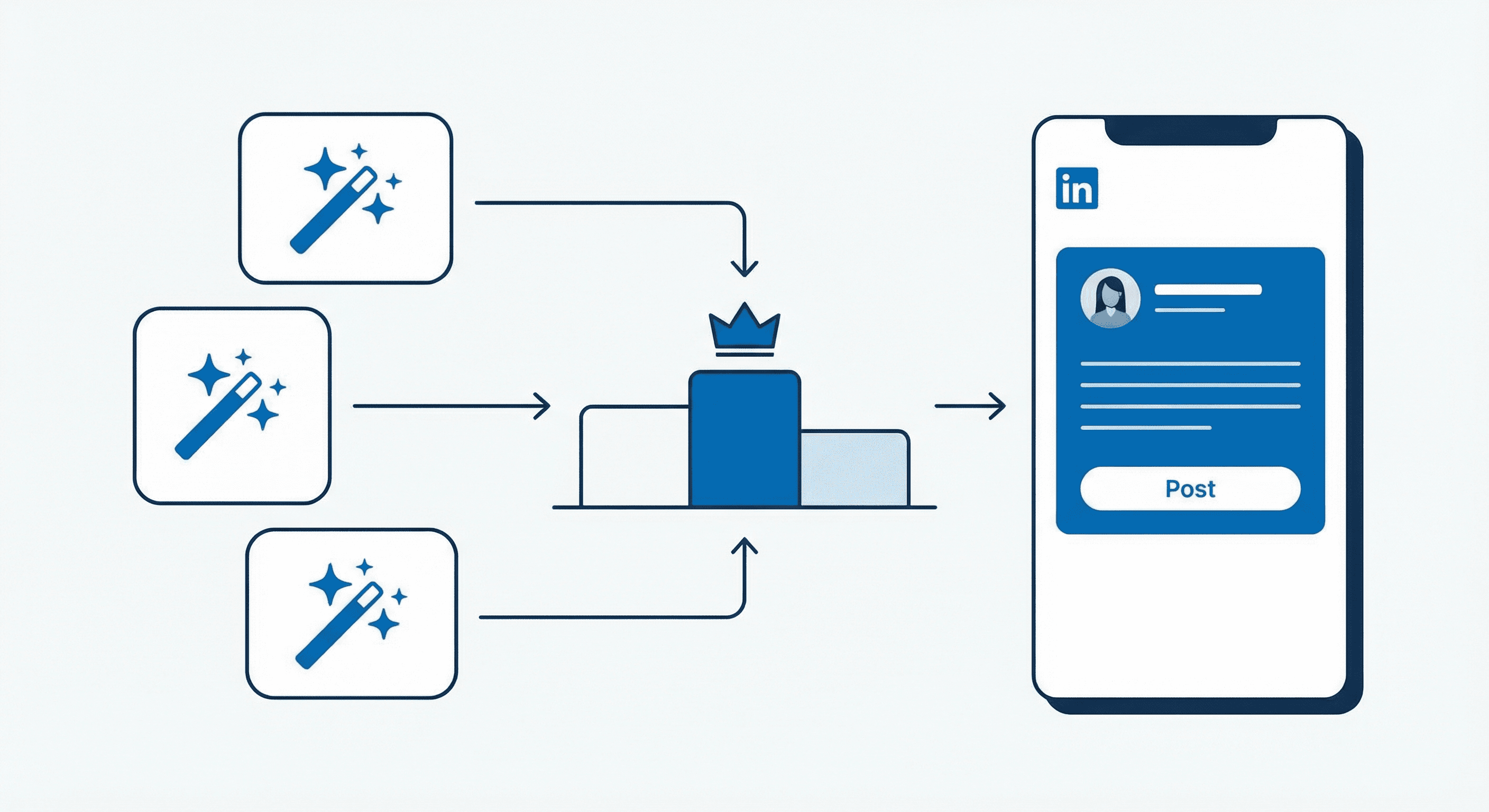
If you're a coach or consultant who just wants to describe an idea and get a human-sounding post back, LeadScribe is the simplest option (and it's free to start). If you want an all-in-one LinkedIn growth suite with scheduling, analytics, and a viral post library, Taplio is the most complete. If budget matters, MagicPost and Typegrow both offer solid AI post generation starting under $30/mo. Copy.ai is best if you need LinkedIn posts as part of a larger content operation.
Quick Comparison Table
| Tool | Starting Price | Best For | AI Quality | Free Plan? |
|---|---|---|---|---|
| LeadScribe | Free | Coaches & consultants | ⭐⭐⭐⭐⭐ | Yes |
| Taplio | $39/mo | All-in-one LinkedIn growth | ⭐⭐⭐⭐ | 7-day trial |
| MagicPost | $27/mo | Budget-friendly generation | ⭐⭐⭐⭐ | 5 free posts |
| Supergrow | $19/mo | Personal branding teams | ⭐⭐⭐⭐ | 7-day trial |
| Typegrow | Free / $29/mo | Beginners & formatters | ⭐⭐⭐ | Yes |
| Kleo | Free / TBD | Creator-first workflow | ⭐⭐⭐⭐ | Yes (limited) |
| Copy.ai | $49/mo | Enterprise GTM teams | ⭐⭐⭐ | No |
1. LeadScribe
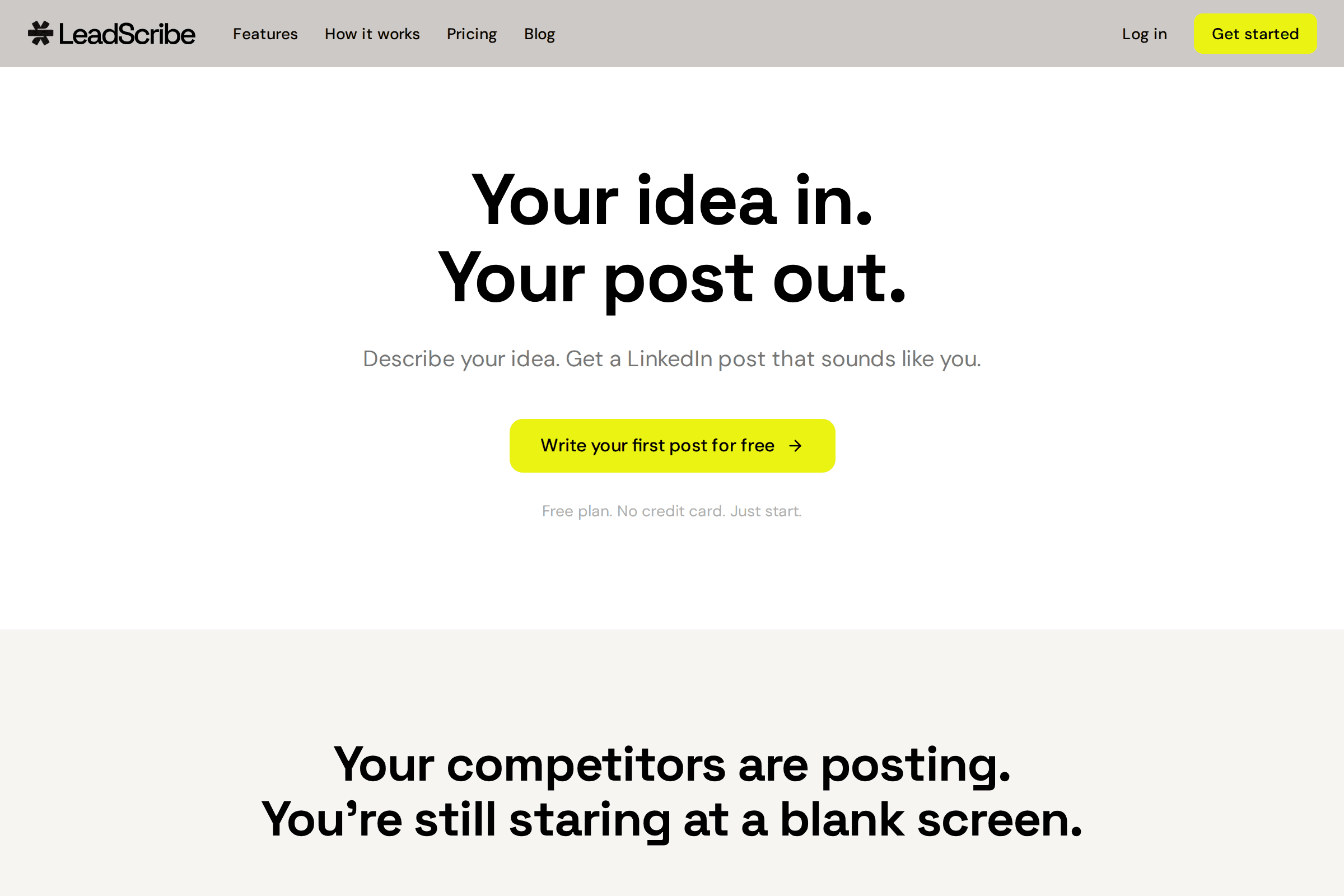
What it does: You describe your idea in plain language, like you'd tell a friend, and LeadScribe writes a full LinkedIn post in your voice. Hook, body, CTA. Done in under two minutes.
Best for: Coaches, consultants, and solopreneurs who hate staring at blank screens.
Pricing: Free plan available (no credit card required). Paid plans coming soon.
Pros:
- The chat-based approach feels natural. You just talk about your idea and get a post back.
- Output actually sounds human. We were surprised. No "excited to share my journey" nonsense.
- Dead simple. No learning curve, no 47 features you'll never use.
Cons:
- It's new and still small. The feature set is minimal compared to Taplio or MagicPost.
- No scheduling, analytics, or viral post library yet.
- Paid plans aren't live yet, so long-term pricing is unknown.
Full disclosure: This is our tool. We built it because we were tired of AI tools that write posts nobody would actually say out loud. We're biased, obviously. But we also know exactly where it falls short right now.
Want to try LeadScribe? It's free to start.
Try LeadScribe Free →2. Taplio
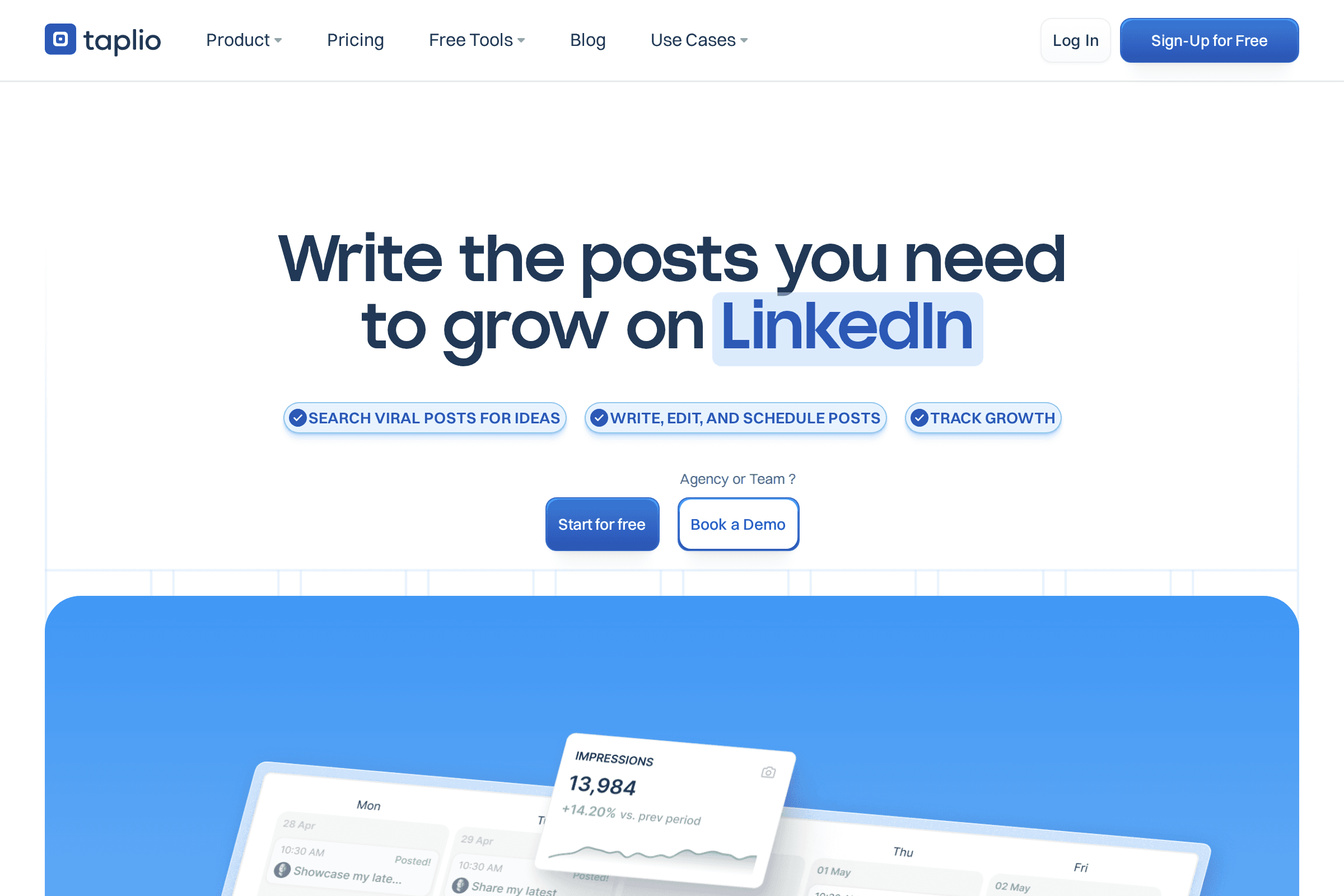
What it does: Taplio is an all-in-one LinkedIn growth platform. It combines AI post generation, a viral post library (trained on 500M+ posts), scheduling, engagement tools, and analytics. It's probably the most complete LinkedIn tool on the market.
Best for: Content creators, marketers, and anyone who wants everything in one dashboard.
Pricing: Starts at $39/mo. Higher tiers go up to $149/mo. 7-day free trial with 30-day money-back guarantee.
Pros:
- The viral post library is genuinely useful for finding content ideas that already work.
- Scheduling and analytics are built in, so you don't need separate tools.
- Large user base and active development. This isn't going anywhere.
Cons:
- At $39/mo minimum, it's one of the pricier options for just AI post generation.
- The AI output can feel templated if you don't spend time customizing your voice settings.
- Feature-heavy. If you just want to write posts, you're paying for a lot of stuff you won't use.
3. MagicPost
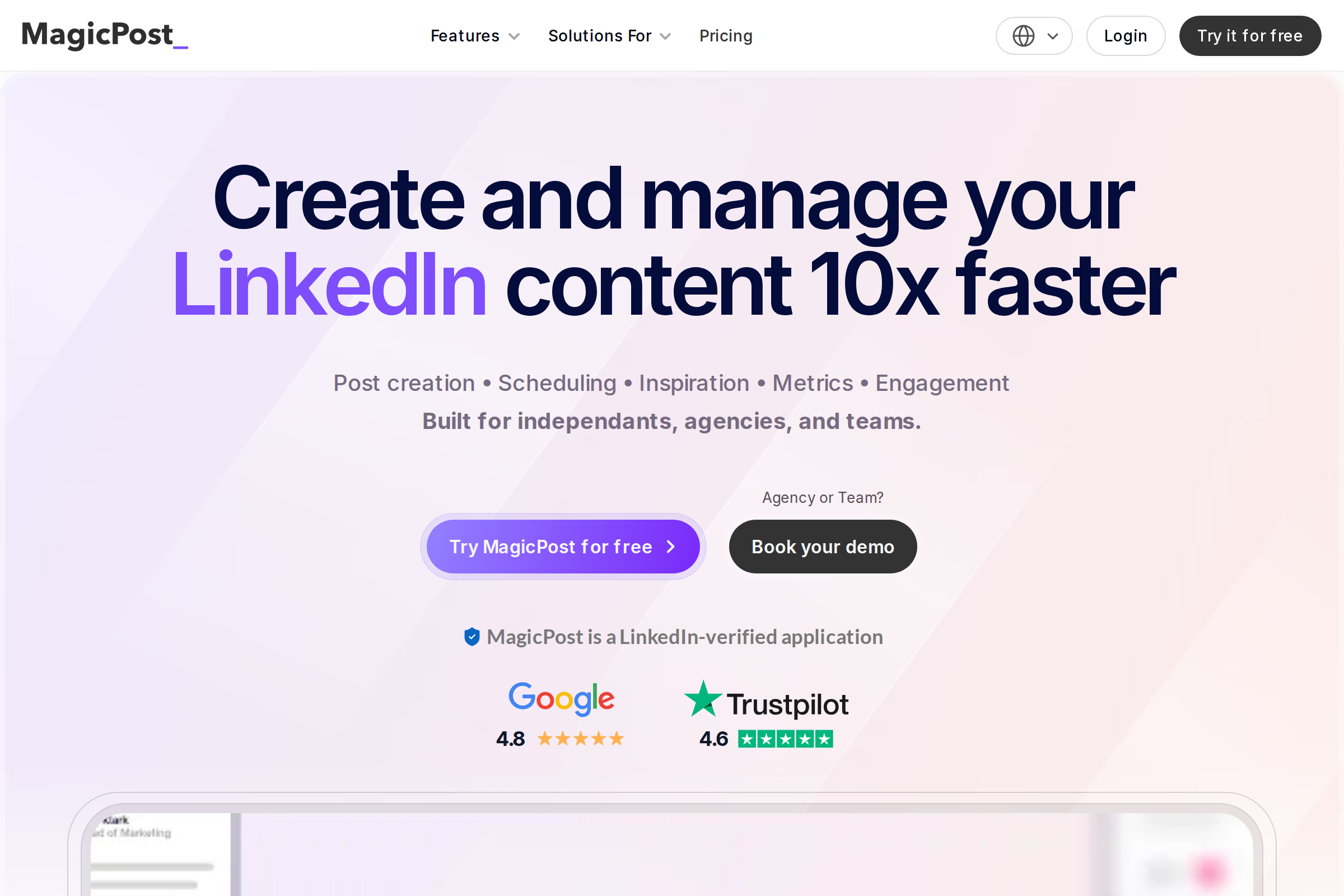
What it does: MagicPost calls itself a "LinkedIn AI Post Generator" and that's exactly what it is. You pick a topic, choose a hook and format, and it generates a post. It also includes scheduling, metrics, and an engagement tool. Trusted by 20,000+ creators.
Best for: LinkedIn creators who want solid AI generation without paying Taplio prices.
Pricing: Free tier (5 posts). Starter at $27/mo (30 posts). Creator at $39/mo (unlimited posts). 30% off annual billing.
Pros:
- The tone-of-voice matching is genuinely good. You can even mimic a specific creator's style.
- Pricing is fair, especially the Starter plan for occasional posters.
- Clean interface. It's not trying to be everything. It does posts well.
Cons:
- The free tier is very limited (5 posts total, not per month).
- Analytics aren't as deep as Taplio's.
- Less well-known, so community and integrations are smaller.
4. Supergrow
What it does: Supergrow positions itself as a "LinkedIn personal branding platform." It includes AI content creation, voice-to-post (speak your idea, get a post), scheduling, engagement tools, carousel creation, and analytics. Built for creators, ghostwriters, and agencies.
Best for: Ghostwriters managing multiple accounts, and teams who need collaboration features.
Pricing: Starter at $19/mo. Pro at $29/mo. Agency at $49/mo. 7-day free trial.
Pros:
- Voice-to-post is a standout feature. Talk through your idea, get a written post.
- The cheapest starting price in this list at $19/mo.
- Agency plan supports multiple LinkedIn accounts, which ghostwriters love.
Cons:
- The AI post quality is a step below MagicPost and Taplio in our testing.
- The website was slow during our testing (it timed out on first load).
- Smaller user base (1,200+ professionals) compared to competitors.
5. Typegrow
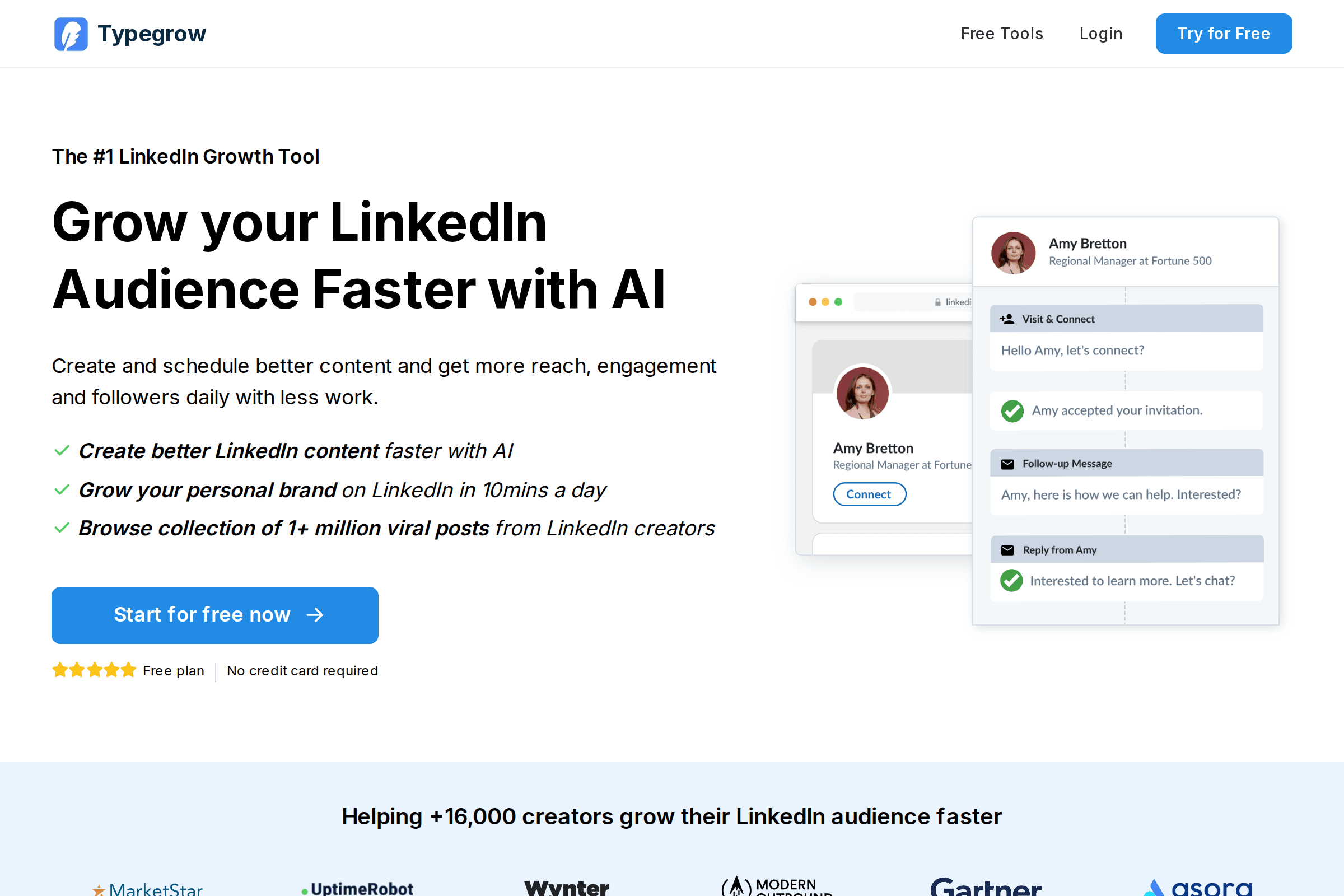
What it does: Typegrow combines AI content creation with a viral post library of 1M+ posts, a carousel maker, a hook generator, and post scheduling. It markets itself as the "#1 LinkedIn Growth Tool" and focuses heavily on making LinkedIn growth accessible to beginners.
Best for: Beginners who want a free LinkedIn post maker to start with, plus growth tools when they're ready to pay.
Pricing: Free plan available (generous limits, no credit card). Paid plan at $29/mo ($20/mo annual).
Pros:
- The free plan is genuinely useful, not just a teaser.
- 1M+ viral post library for inspiration.
- Simple enough for someone who's never used a LinkedIn tool before.
Cons:
- The AI output quality is average. It reads more like templates than natural writing.
- It's primarily a formatter and scheduler. The AI generation feels secondary.
- Only one paid tier, so no middle ground between free and $29/mo.
6. Kleo
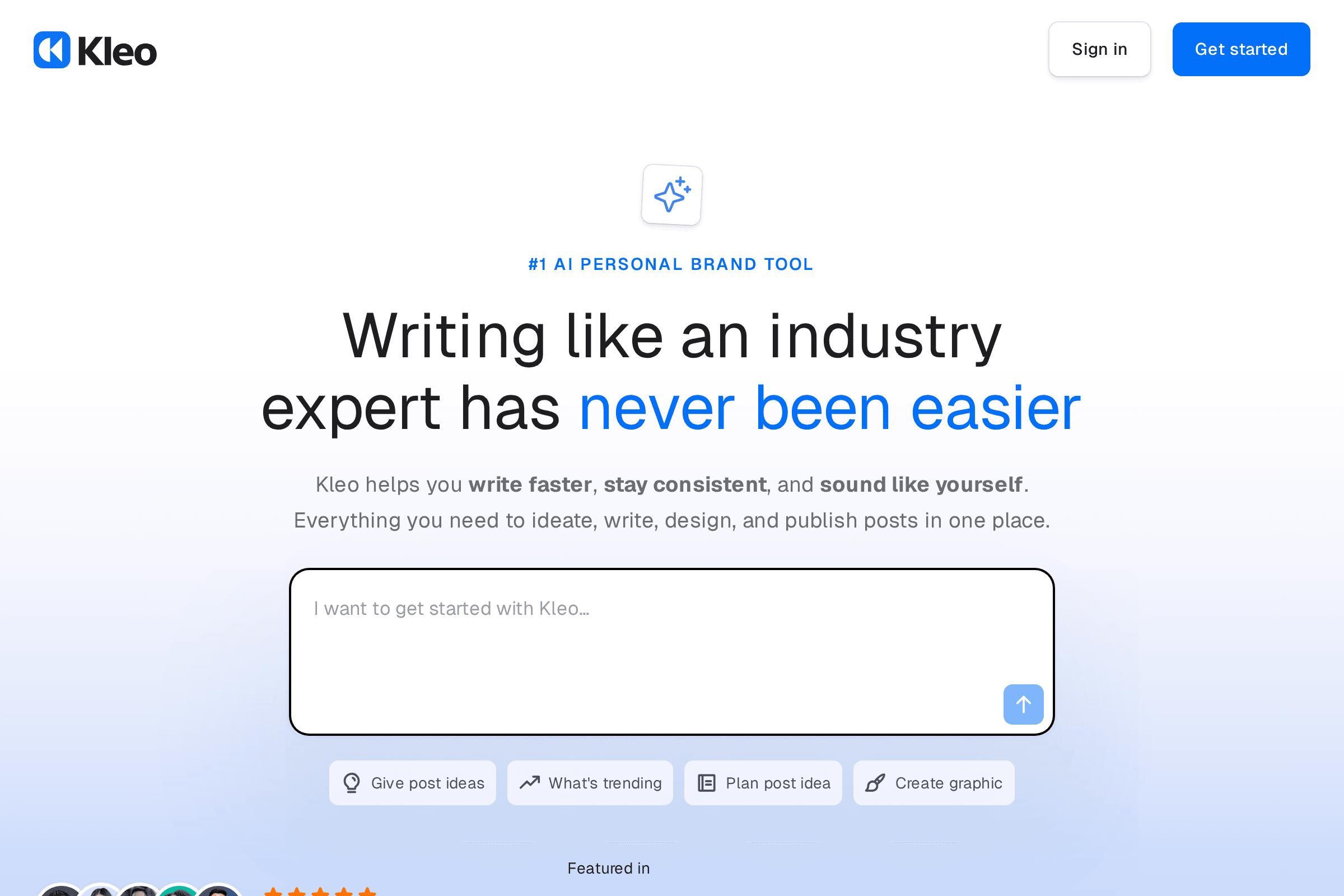
What it does: Kleo started as a Chrome extension by Jake Ward (who grew to 100K LinkedIn followers in under 10 months using it). It's now evolving into a full personal brand platform with AI content creation, brand voice matching, multi-platform support, and publishing tools. It has 70,000+ users from its Chrome extension days.
Best for: Creators who want a writing-partner approach, not just "generate post" buttons.
Pricing: Free plan available (limited tokens). Business plan pricing is in beta and varies based on social channels and team members. Yearly billing gives 2 months free.
Pros:
- Built by a creator who actually used it to grow. The product reflects real LinkedIn experience.
- Brand voice and character traits features are thoughtful.
- Multi-platform support (not just LinkedIn) is coming.
Cons:
- Kleo 2.0 is still rolling out. The Chrome extension is being sunset and the new platform is in beta.
- Pricing is unclear and "subject to change" during beta.
- If you need something stable and production-ready today, this might not be it yet.
7. Copy.ai
What it does: Copy.ai is a general-purpose AI content platform that's evolved into a full "GTM AI Platform." It can generate LinkedIn posts, but that's a small slice of what it does. It's really built for enterprise sales and marketing teams who need AI across prospecting, content creation, lead processing, and more. Used by 17 million users.
Best for: Enterprise teams who need LinkedIn content as part of a larger AI-driven GTM strategy.
Pricing: Pro starts at $49/mo per seat ($39/mo annual). No free plan. Enterprise pricing is custom.
Pros:
- If you already use Copy.ai for other content, adding LinkedIn posts is trivial.
- The AI models are strong. Output quality is high when you configure it well.
- Massive platform with constant updates and enterprise-grade security.
Cons:
- It's not built for LinkedIn specifically. There's no viral post library, no LinkedIn analytics, no scheduling.
- At $49/mo per seat, it's expensive just for LinkedIn posts.
- Overkill for solopreneurs. This is built for teams of 10+.
How We Tested
We wanted this comparison to be actually useful, not just a list of features copied from each tool's website. Here's what we did:
- Same prompt across all tools. We used three test prompts: a personal story about a client win, an opinion on remote work, and a tactical tip about email marketing. Every tool got the same input.
- Judged output quality on three criteria:
- Does it sound like a real person wrote it?
- Would you actually post this without major edits?
- Does it have a good hook that would stop the scroll?
- Tested the full workflow. How many clicks from "I have an idea" to "here's my post"? Some tools take 2 clicks. Others take 10.
- Checked pricing honestly. We signed up for every free trial and free plan. We noted what you actually get versus what's locked behind paywalls.
- Read real user reviews. G2, Product Hunt, Chrome Web Store, Twitter. We looked for patterns in complaints and praise.
We're not pretending to be a neutral review site. We make LeadScribe. But we also genuinely use these other tools and have opinions about them. Where we're biased, we say so.
The Verdict: Which AI LinkedIn Post Generator Should You Pick?
You just want to write great posts, fast: LeadScribe or MagicPost. Both focus on turning your ideas into natural-sounding posts without the bloat. LeadScribe is simpler (and free). MagicPost has more features and a longer track record.
You want the full LinkedIn toolkit: Taplio. It's the most complete package. You'll pay for it, but you get scheduling, analytics, engagement tools, and AI generation all in one place.
You're on a tight budget: Typegrow's free plan or Supergrow's $19/mo Starter. Both give you enough to get started without spending much.
You're a ghostwriter or agency: Supergrow's Agency plan at $49/mo. Multi-account support is the key differentiator.
You're already using Copy.ai for other things: Just add LinkedIn to your existing workflow. Don't buy a separate tool.
You want to bet on the new thing: Kleo 2.0 looks promising. Jake Ward's track record is real. But it's in beta, so keep that in mind.
Ready to write LinkedIn posts that actually sound like you?
Try LeadScribe free. No credit card required.
Start Writing Free →Frequently Asked Questions
What is an AI LinkedIn post generator?
Are AI LinkedIn post generators worth it?
Can AI write LinkedIn posts that sound human?
Is there a free AI LinkedIn post maker?
Will LinkedIn penalize AI-generated content?
Which AI LinkedIn post generator is best for coaches and consultants?
How much do AI LinkedIn post generators cost?
Written by
LeadScribe Team
We built LeadScribe to help coaches and consultants write LinkedIn posts that actually sound like them. Try it free — no credit card required.
Start for free