
LinkedIn Post Size Guide 2026: Character Limits, Image Sizes, and More
Getting LinkedIn post sizes right can make or break your content performance. Here's everything you need to know about character limits, image dimensions, video specs, and more in 2026.
LinkedIn Post Size Guide 2026
Character limits, image sizes, and video specs
TL;DR
LinkedIn posts: 3,000 characters max, but only first 140 show without expanding. Images: 1200x627px for single images, 1080x1080px for carousels. Videos: Up to 200MB, 10 minutes max, 1920x1080px recommended. Sweet spot: 150-300 characters with key message in first 140, single high-quality image, 3-5 relevant hashtags.
LinkedIn keeps updating their platform, and getting your content dimensions wrong can hurt your reach. A post that looks great on desktop might get cut off on mobile, or worse, LinkedIn might compress your carefully designed image until it's unreadable.
We've tested every major content format on LinkedIn in 2026, tracked what performs best, and compiled everything into this complete size guide. Whether you're posting text, images, videos, or documents, here's exactly what you need to know.
LinkedIn Post Character Limits
Maximum length: 3,000 characters (including spaces)
Visible without expanding: First 140 characters
Recommended length: 150-300 characters total
Here's the thing most people get wrong about LinkedIn character limits: just because you can write 3,000 characters doesn't mean you should.
LinkedIn shows only the first 140 characters in the feed before adding the "...see more" button. If your hook or main point isn't in those first 140 characters, you've already lost most readers.
Based on our analysis of high-performing posts, the sweet spot is:
- Hook: First 1-2 sentences (under 140 characters)
- Body: 2-4 sentences with your main point or story
- CTA: Clear next step in the final sentence
- Total: 150-300 characters
Pro Tip:
Write your hook first, then count characters. Make sure your key message fits in the first 140 characters, then expand from there.
LinkedIn Image Sizes and Specifications
Single Images
- Recommended size: 1200x627 pixels
- Aspect ratio: 1.91:1 (landscape)
- File size: Under 5MB
- Formats: JPG, PNG, GIF
- Minimum size: 552x289 pixels
The 1200x627 size works perfectly across all devices and gives you the best image quality without compression issues. LinkedIn will automatically crop images that don't fit the 1.91:1 aspect ratio, often cutting off important parts of your design.
Carousel Images (Multiple Images)
- Recommended size: 1080x1080 pixels (square)
- Aspect ratio: 1:1
- Maximum images: 9 per post
- File size: Under 5MB per image
- Formats: JPG, PNG, GIF
When you upload multiple images, LinkedIn creates a carousel that users can swipe through. Square images work best because they display consistently across desktop and mobile without cropping.
Important:
Never use yellow badges on white backgrounds - they're hard to read. Stick to dark text on light backgrounds or white text on dark backgrounds for maximum readability.
LinkedIn Video Specifications
Native Video Uploads
- File size: 75KB to 200MB
- Duration: 3 seconds to 10 minutes
- Format: MP4 (recommended)
- Recommended dimensions:
- Landscape: 1920x1080 pixels (16:9)
- Square: 1080x1080 pixels (1:1)
- Vertical: 1080x1920 pixels (9:16)
- Frame rate: 30 fps maximum
- Audio: Supported (optional)
Video posts typically get 5x more engagement than text-only posts on LinkedIn. The platform prioritizes native video uploads over links to YouTube or other platforms.
Square (1:1) and vertical (9:16) formats work particularly well on mobile, which accounts for over 60% of LinkedIn usage. However, if you're recording talking-head style content, landscape (16:9) often looks more professional.
Video Tip:
Add captions to your videos. Most LinkedIn users watch videos without sound, especially in professional environments.
LinkedIn Document Specifications
- File size: Up to 100MB
- Pages: Up to 300 pages
- Format: PDF only
- Recommended dimensions: 1080x1350 pixels per page
- Aspect ratio: 4:5 (portrait)
LinkedIn document carousels have become incredibly popular for sharing multi-slide content. When you upload a PDF, each page becomes a separate slide that users can swipe through.
The 1080x1350 size ensures your content looks crisp on mobile devices. Design your PDFs with mobile viewing in mind - use large fonts (minimum 24pt), high contrast colors, and simple layouts.
Quick Reference: Optimal LinkedIn Post Sizes
| Content Type | Dimensions | File Size | Best Practice |
|---|---|---|---|
| Text Post | 150-300 characters | N/A | Hook in first 140 chars |
| Single Image | 1200x627px | Under 5MB | 1.91:1 aspect ratio |
| Carousel Images | 1080x1080px | Under 5MB each | Square format, max 9 images |
| Video | 1920x1080px | 75KB - 200MB | MP4, max 10 minutes |
| Document | 1080x1350px | Under 100MB | PDF, max 300 pages |
Hashtags and Mentions Best Practices
Hashtags
- Recommended number: 3-5 hashtags
- Character count: Hashtags count toward your 3,000 character limit
- Placement: End of post or naturally within text
- Types: Mix of industry, niche, and trending hashtags
Unlike Instagram, LinkedIn users prefer fewer, more relevant hashtags. Posts with 3-5 hashtags typically perform better than those with 10+ hashtags.
Mentions
- Format: @firstname lastname or @company
- Limit: No official limit, but 3-5 mentions work best
- Notification: Tagged people get notified and are more likely to engage
Mobile Optimization Tips
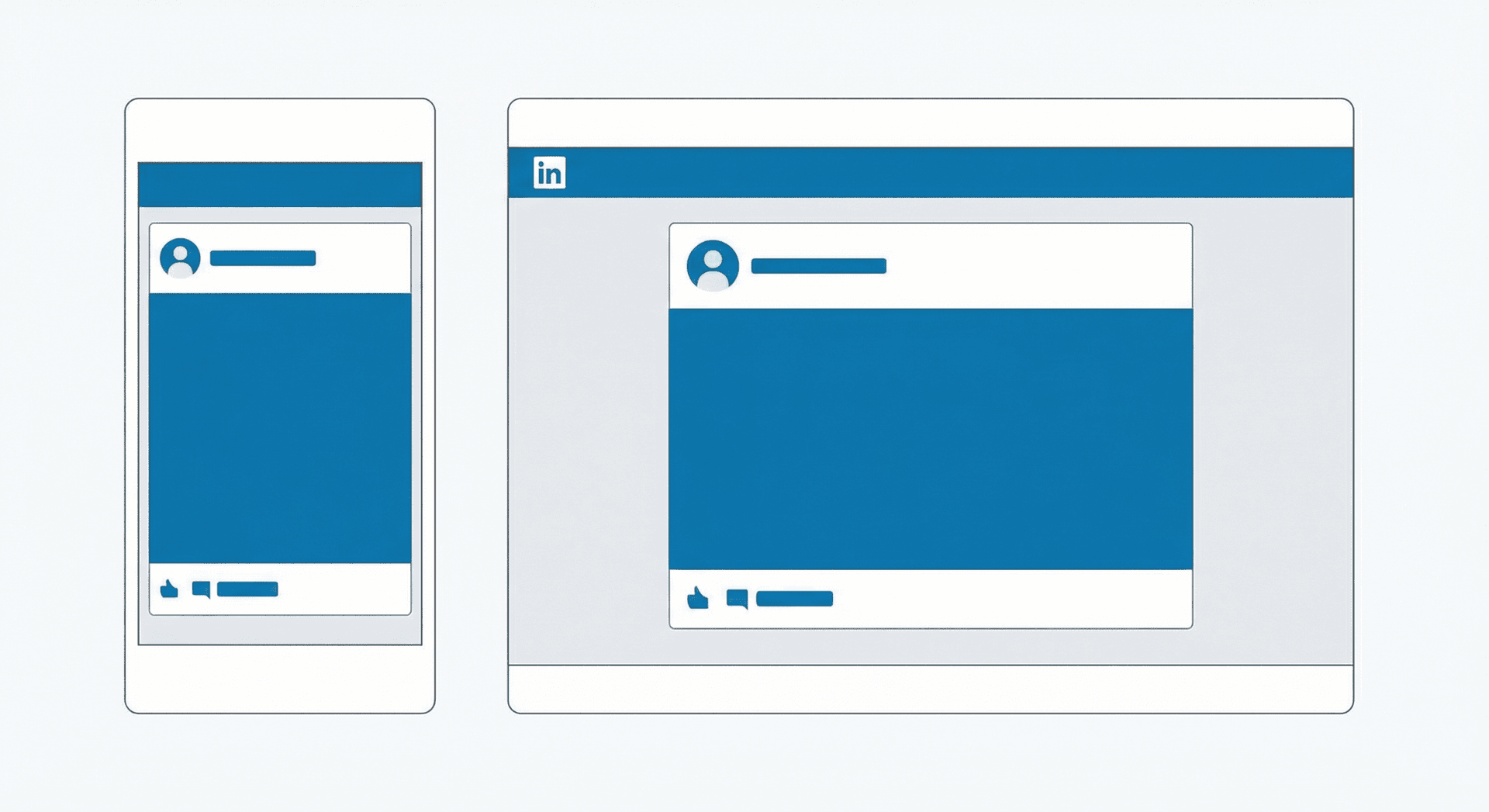
Over 60% of LinkedIn users access the platform on mobile devices. Here's how to optimize for mobile viewing:
- Text readability: Use line breaks to create white space
- Image text: Use fonts larger than 24pt in images
- Video orientation: Square or vertical videos perform better on mobile
- Document design: Keep layouts simple with high contrast
- CTA placement: Put your call-to-action early in the post
Mobile Test:
Always preview your posts on mobile before publishing. What looks great on desktop might be hard to read on a phone screen.
Common LinkedIn Post Size Mistakes to Avoid
- Burying the lead: Putting your main point after the 140-character preview limit
- Wrong aspect ratios: Using tall images that get cropped awkwardly
- Tiny text in images: Text that's unreadable on mobile devices
- Oversized files: Large images that take forever to load
- Too many hashtags: Using 10+ hashtags like it's Instagram
- Vertical videos on desktop: Not considering how content appears across devices
- No captions on videos: Forgetting that many users watch without sound
- Inconsistent carousel sizes: Mixing different image dimensions in one post
Tools for Creating LinkedIn Content
Here are some helpful tools for creating content that meets LinkedIn's size requirements:
- Canva: Templates pre-sized for LinkedIn posts and carousels
- Figma: Custom design work with precise dimension control
- Adobe Creative Suite: Professional image and video editing
- Loom: Screen recording with LinkedIn-friendly export options
- Character count tools: Online counters to check post length
Many of these tools have specific LinkedIn templates that automatically use the correct dimensions, making it easier to create content that looks professional across all devices.
Ready to create LinkedIn posts that get noticed?
LeadScribe helps you write engaging LinkedIn posts without worrying about character counts or formatting. Focus on your message, we'll handle the rest.
Try LeadScribe Free →What's New in 2026
LinkedIn continues to evolve their platform. Here are the recent changes that affect content sizing:
- Improved video compression: Better quality retention for uploaded videos
- Enhanced mobile experience: Better handling of different aspect ratios on mobile
- Document carousel updates: Improved rendering of PDF pages as carousel slides
- AI-powered cropping: LinkedIn's algorithm now does smarter automatic cropping of images
The core size requirements haven't changed significantly, but the platform handles various formats more gracefully than before. Still, following the recommended dimensions ensures the best possible display of your content.
Frequently Asked Questions
What is the LinkedIn post character limit in 2026?
What's the ideal LinkedIn image size?
How many images can I add to a LinkedIn post?
What are LinkedIn video size requirements?
Does LinkedIn have a hashtag limit?
What's the ideal LinkedIn document size?
How long should LinkedIn posts be for best engagement?
Written by
LeadScribe Team
We help coaches and consultants create LinkedIn content that gets noticed. Get the right message, in the right format, every time.
Start for free