
Best LinkedIn Tools for Coaches in 2026: Grow Your Practice with Less Effort
LinkedIn is the best place for coaches to find clients. But between client sessions and running a business, content creation falls to the bottom of the list. We tested 6 tools that actually help.

TL;DR
If you just want help writing posts without spending hours on it, LeadScribe is the simplest option (free to start). For an all-in-one growth suite, Taplio ($39/mo) has the most features. Supergrow ($19/mo) is the best budget pick. And Shield ($8/mo) is the go-to if you only need analytics.
LinkedIn is the best place for coaches to find clients in 2026. That's not really debatable. Your ideal clients -- executives, founders, professionals going through career transitions -- they're all scrolling LinkedIn daily.
The problem? Most coaches know they should be posting but can't find the time. Between client sessions, admin work, and actually running a business, LinkedIn content creation falls to the bottom of the list.
That's where tools come in. But there are dozens of LinkedIn tools out there, and most of them are built for salespeople or marketing teams -- not coaches.
I tested the ones that actually make sense for coaching businesses. Here's what works, what doesn't, and what's worth your money.
What Coaches Actually Need from LinkedIn Tools
Before we get into specific tools, let's be honest about what coaches actually need:
- Content creation help -- turning your expertise into posts without staring at a blank screen
- Scheduling -- batching content so you're not posting in real-time between sessions
- Analytics -- knowing what's working so you can do more of it
- Simplicity -- you're a coach, not a social media manager
You probably don't need: lead scraping, automated connection requests, or enterprise team management. Those features just add complexity and cost.
Quick Comparison
| Tool | Starting Price | Best For | AI Writing | Scheduling | Analytics |
|---|---|---|---|---|---|
| LeadScribe | Free | AI post writing | Yes | Yes | Basic |
| Taplio | $39/mo | All-in-one growth | Yes | Yes | Yes |
| Supergrow | $19/mo | Budget all-in-one | Yes | Yes | Yes |
| MagicPost | $27/mo | Post generation | Yes | Yes | Basic |
| AuthoredUp | $19.95/mo | Writing & formatting | No | No | Yes |
| Shield | $8/mo | Analytics only | No | No | Yes |
1. LeadScribe -- Best for Coaches Who Hate Writing
LeadScribe takes a different approach than most LinkedIn tools. Instead of giving you templates or a text editor, you just describe your idea -- like you'd explain it to a friend -- and it writes the full post for you. Hook, body, call-to-action. Done.
Why coaches love it: You have the expertise. You just don't have the time (or desire) to turn every insight into a formatted LinkedIn post. LeadScribe handles that part.
Pricing: Free plan (5 posts/month). Pro $29/mo (50 posts). Max $49/mo (unlimited).
Pros:
- Chat-based interface feels natural. No templates to fill out.
- Output actually sounds human, not like corporate AI slop.
- Built specifically for coaches and consultants.
- Planning and scheduling included.
Cons:
- New tool, smaller community.
- Analytics are basic compared to Shield or Taplio.
- No carousel creator yet.
Full disclosure: This is our tool. We're biased, but we also built it because nothing else worked for the coaches we talked to.
Want to try LeadScribe? It's free to start.
Try LeadScribe Free →2. Taplio -- Best All-in-One LinkedIn Platform

Taplio is the Swiss Army knife of LinkedIn tools. It does everything: AI writing, scheduling, analytics, a viral post library with millions of examples, and LinkedIn CRM features.
Why coaches like it: If you want one tool that handles your entire LinkedIn strategy, Taplio covers it. The viral post library is especially useful for inspiration when you're stuck.
Pricing: Starter $39/mo. Standard $65/mo. Pro $199/mo. 7-day free trial.
Pros:
- Most complete feature set on the market.
- Viral post library with 5M+ posts for inspiration.
- LinkedIn carousel creator built in.
- Lead list and CRM features for tracking prospects.
Cons:
- Expensive for a solopreneur coach ($39/mo minimum).
- Lots of features you might never use.
- AI writing quality is decent but can feel templated.
- Learning curve to get the most out of it.
If you're curious about alternatives, check out our Taplio alternative comparison.
3. Supergrow -- Best Budget Option
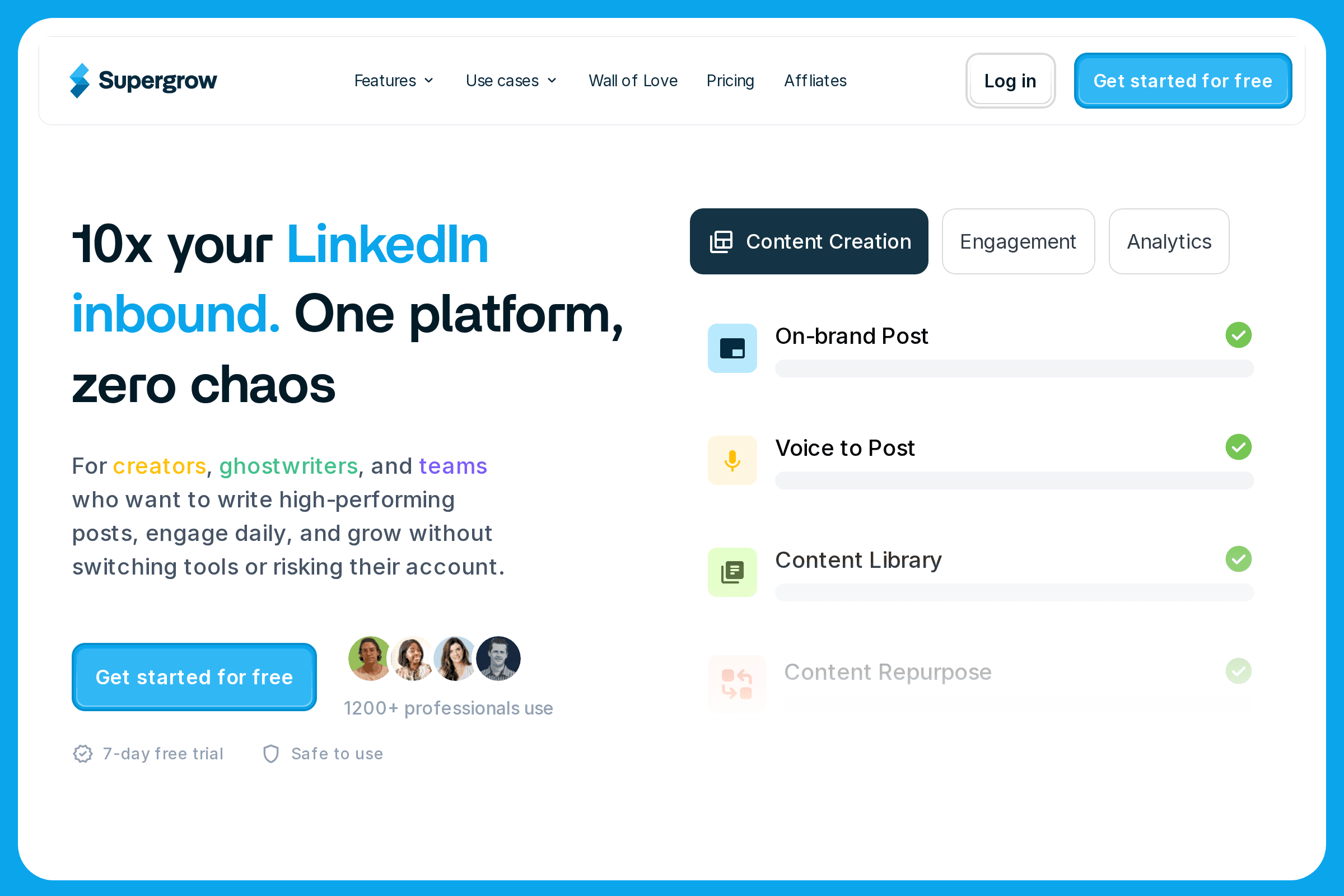
Supergrow gives you most of what Taplio offers at half the price. AI post generation, scheduling, analytics, and a carousel maker -- all starting at $19/mo.
Why coaches like it: It hits the sweet spot between features and price. You get AI writing and scheduling without paying Taplio prices.
Pricing: Starter $19/mo. Pro $29/mo. Agency $49/mo. 7-day free trial.
Pros:
- Great value for the price.
- Carousel creator included (even on Starter).
- AI writes in multiple tones and formats.
- Clean, easy-to-use interface.
Cons:
- AI quality isn't quite as polished as LeadScribe or Taplio.
- Analytics are lighter than Shield.
- Smaller viral post library than Taplio.
4. MagicPost -- Best for Pure Post Generation
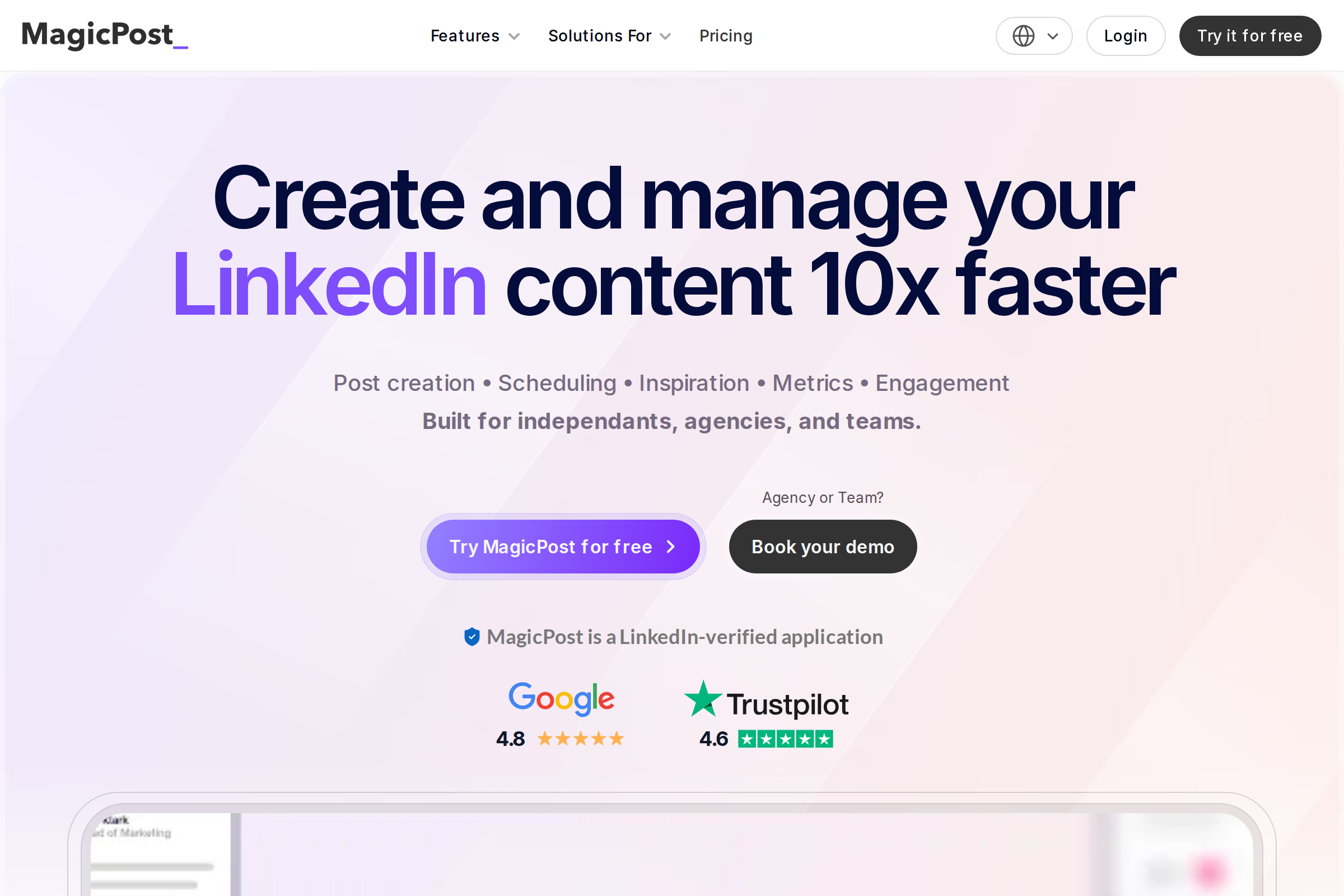
MagicPost focuses on one thing: turning your ideas into LinkedIn posts. You give it a topic, URL, or rough notes, and it generates a ready-to-publish post.
Why coaches like it: Dead simple. No feature bloat. If you already have a scheduler and just need help with the writing part, MagicPost is solid.
Pricing: 5 free posts to try. Starter $27/mo (30 posts). Creator $39/mo (unlimited).
Pros:
- Multiple input types: topic, URL, notes, even voice.
- Good AI quality -- posts feel natural.
- Can repurpose articles and videos into LinkedIn posts.
- Clean, fast interface.
Cons:
- Scheduling is basic.
- No carousel creator.
- No analytics beyond what LinkedIn gives you natively.
5. AuthoredUp -- Best for Writing and Formatting
AuthoredUp is a Chrome extension that enhances LinkedIn's native editor. It adds text formatting (bold, italic, lists), post previews, saved drafts, and basic analytics.
Why coaches like it: If you enjoy writing your own posts and just want better formatting options and a draft system, AuthoredUp is perfect. It doesn't try to replace you -- it makes you better.
Pricing: $19.95/mo. Teams $14.95/profile (min 3).
Pros:
- Works directly inside LinkedIn -- no separate app.
- Great text formatting that LinkedIn doesn't offer natively.
- Post preview before publishing.
- Saved snippets and hooks library.
Cons:
- No AI writing. You still write everything yourself.
- No scheduling. You need a separate tool for that.
- Chrome only. No mobile support.
6. Shield -- Best for Analytics
Shield is a dedicated LinkedIn analytics tool. It tracks impressions, engagement, follower growth, and content performance in way more detail than LinkedIn's native analytics.
Why coaches like it: If you're already posting consistently and want to understand what's working, Shield shows you the data LinkedIn won't. See which topics get the most engagement, track growth trends, and identify your best-performing content.
Pricing: Starter $8/mo. Creator $16/mo. Influencer $25/mo.
Pros:
- Deepest LinkedIn analytics available.
- Beautiful dashboards and reports.
- Tracks historical data (LinkedIn only keeps 365 days).
- Shows engagement rate, not just vanity metrics.
Cons:
- Analytics only. No writing or scheduling.
- Won't help you create content.
- Can feel like overkill if you're just starting out.
Which Tool Should You Pick?
Here's the honest take based on where you are in your coaching business:
Just starting on LinkedIn? Start with LeadScribe (free) to get content flowing. Add Shield ($8/mo) once you're posting consistently and want to track what works.
Posting regularly but want to level up? Taplio or Supergrow. If budget matters, Supergrow. If you want the most features, Taplio.
Already good at writing but need better tools? AuthoredUp for formatting + Shield for analytics. Total: about $28/mo.
Just need help with the writing part? LeadScribe or MagicPost. Both focus on turning your ideas into posts without the bloat.
Want to see how the top AI tools compare head-to-head? Check out our full best AI LinkedIn post generators comparison.
Ready to Get More Clients from LinkedIn?
LeadScribe turns your coaching expertise into LinkedIn posts that attract clients. Free to start, no credit card required.
Start Writing Better Posts →